For businesses
A restaurant reservation system for cafes and small restaurants: tables, party sizes and seating times
A restaurant reservation system lets diners book a table online for their party size. It offers only the times when a table that fits is free, and puts every booking on one calendar. It also sends confirmations and reminders, so staff spend less time on the phone and nobody promises the same table twice.
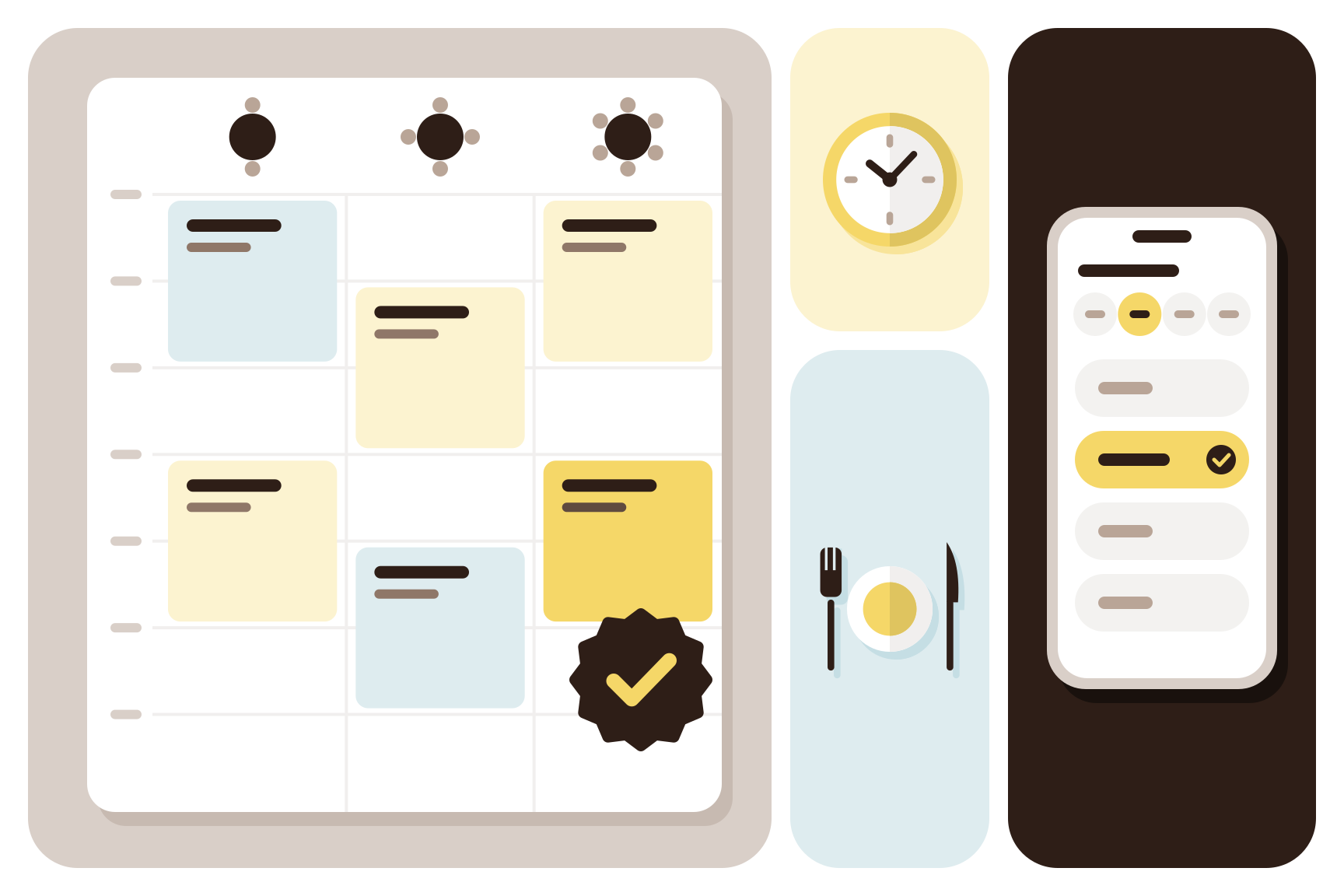
Booklaa is one of these systems, and the checks below work with any of them.
What a restaurant reservation system does
A party of six can't sit at a table for two, and a table stays taken until the meal ends. So the system has to match each party to a table with enough seats, for as long as a meal takes.
You probably need one when the phone rings through the dinner rush, or when two staff give away the same table. With a few tables and mostly walk-ins, a paper diary may still do. The guide to online booking systems covers bookings in general.
Types of online restaurant booking system
| Type | Suits | Watch for |
|---|---|---|
| Phone and paper diary | A few tables, one person taking bookings | Missed calls, no reminders |
| Diner app or marketplace | Places that want new diners from that app | A charge per diner on some, and your name beside other restaurants |
| Your own booking page and calendar | Places with regulars and a social media following | You send people to the link yourself |
| Part of a point-of-sale system | Restaurants happy with that till | Your bookings are tied to the till's contract |
Booklaa is the third type with some of the second. You share your own link, and diners can also find you on Booklaa, where they see open times beside each result. It has no connection with Instagram, WhatsApp or Google, and the booking is made on your Booklaa page.
What a restaurant needs, and how Booklaa does it
| What you need | How Booklaa does it |
|---|---|
| Parties matched to tables | You list each table with its seats. The diner picks a party size and sees only times when a table that fits is free. |
| Seating areas | You name your areas, such as main room, terrace or bar. The diner can pick one or leave it open. |
| Time for the meal | You set how long a reservation holds a table. The next party can book from the end of that time. |
| Your own rules | Confirm every booking at once, or accept or decline each request. Set how often start times are offered, how much notice a booking needs and how far ahead diners can book. |
| Easy booking for diners | No account or app: a name and an email or mobile number, plus the occasion and a note if they like. |
| Orders ahead | Diners pre-order from your menu or just reserve. You can ask for a deposit on a pre-order, shown before booking and collected by you. |
| Phone and walk-in guests | You add them by hand, with their party size, on the same calendar. |
| A view of the evening | A calendar by day and by week, where you drag a booking to a new time, and a list showing which tables are free at any hour. |
| Fewer forgotten tables | Details by email or text message, a reminder the day before by both, and a link to cancel or move the booking up to a cut-off you set. |
| Knowing your regulars | A record of each customer's bookings, spending, cancellations and no-shows. |
| Ordering at the table | Each table has its own menu link. Guests order from their phone and pay online or at the counter. |
| Payment | At the restaurant, or online by card or PayNow in Singapore once you're verified. At the counter, an Android app takes a card tap, shows a PayNow QR code or works with a card terminal. |
A cafe that also runs workshops can take appointments and table reservations in one business.
How to set up tables, party sizes and seating times
- List each table you're happy to give away online, with its seats and seating area. Tables you leave off stay free for walk-ins.
- Time real meals for a week, at your busiest. Set the seating time to what most tables take, with a little room to clear and reset.
- Pick how often start times are offered. With a 90-minute seating time, a table booked for 7pm is free again at 8.30pm.
- Check your last sitting. On Booklaa a booking fits inside your opening hours, so if you close at 10pm, the last start is 8.30pm.
- Decide on big groups. Online, Booklaa seats a party at one table, so your biggest table sets the largest party. If you push tables together, take those groups by phone and add them by hand.
Meals run longer at reunion dinners, so look at your seating time before each busy season.
Wording for your reservation policy
Booklaa shows your policy before the diner confirms. It doesn't charge anyone for a late cancellation or a no-show, so the decision stays with you. Change this to suit:
Tables are held for 15 minutes after your reservation time. For parties of eight or more, please call us. You can cancel or move your booking up to two hours before your visit, using the link in your confirmation.
How to choose restaurant reservation software
Run these checks on your shortlist:
- Book as a diner on your own phone, for two and then for a party bigger than your largest table.
- Add a walk-in during a busy hour. Staff won't use it if this is slow.
- Ask what happens when someone doesn't turn up. Some systems charge a card, and others leave the decision with you.
- Ask for what your service relies on, such as a floor plan or a waiting list. Booklaa has neither: it lists your tables with their seats and areas, and walk-ins go on the calendar by hand.
- Ask who can see your diners' details, and whether you can take them with you. A diner's full name and mobile number are personal data under Singapore's Personal Data Protection Act.
What restaurant booking software costs depends on
Prices change, so work out a full year at your busiest. Ask about a monthly subscription, a charge per diner seated, or both, because a charge per diner rises as you get busier. Then ask about commission on bookings from the provider's own app, fees on online payments, text message charges and any hardware.
To set this up with your own tables, list your restaurant or cafe on Booklaa.
Questions
Which reservation system is best for restaurants?
It depends on how diners reach you. A marketplace can bring new diners, often at a cost per diner. If most bookings come from regulars and social media, your own booking page usually fits better.
Does a small cafe need a reservation system?
Not always. A cafe with mostly walk-ins can do without one. It starts to pay off when you take groups or get regular booking requests by chat.
Is there a table reservation system for restaurants in Singapore?
Yes, several work here. Check that it sends reminders to local mobile numbers and takes the payments your diners use, such as PayNow. Booklaa is open to restaurants and cafes in Singapore and the Philippines.
Will reminders stop no-shows?
They help, but they won't stop all of them. An easy way to move the booking and a clear policy help too. On Booklaa, you mark a no-show and it stays on that customer's record.
What is ERP in restaurants?
ERP stands for enterprise resource planning: software that ties together purchasing, stock, accounts and staff, usually across several outlets. A reservation system looks after tables and bookings, and a small restaurant rarely needs ERP to take them.
Published