For businesses
SoftPOS explained: taking card payments on an Android phone in Singapore
SoftPOS is software that turns an ordinary Android phone into a card machine. The customer taps a contactless card, or a phone with a card saved in it, on the back of your phone. The payment goes through like one on a countertop terminal, with no extra hardware. All you need is an NFC phone, an internet connection and an approved payment provider.
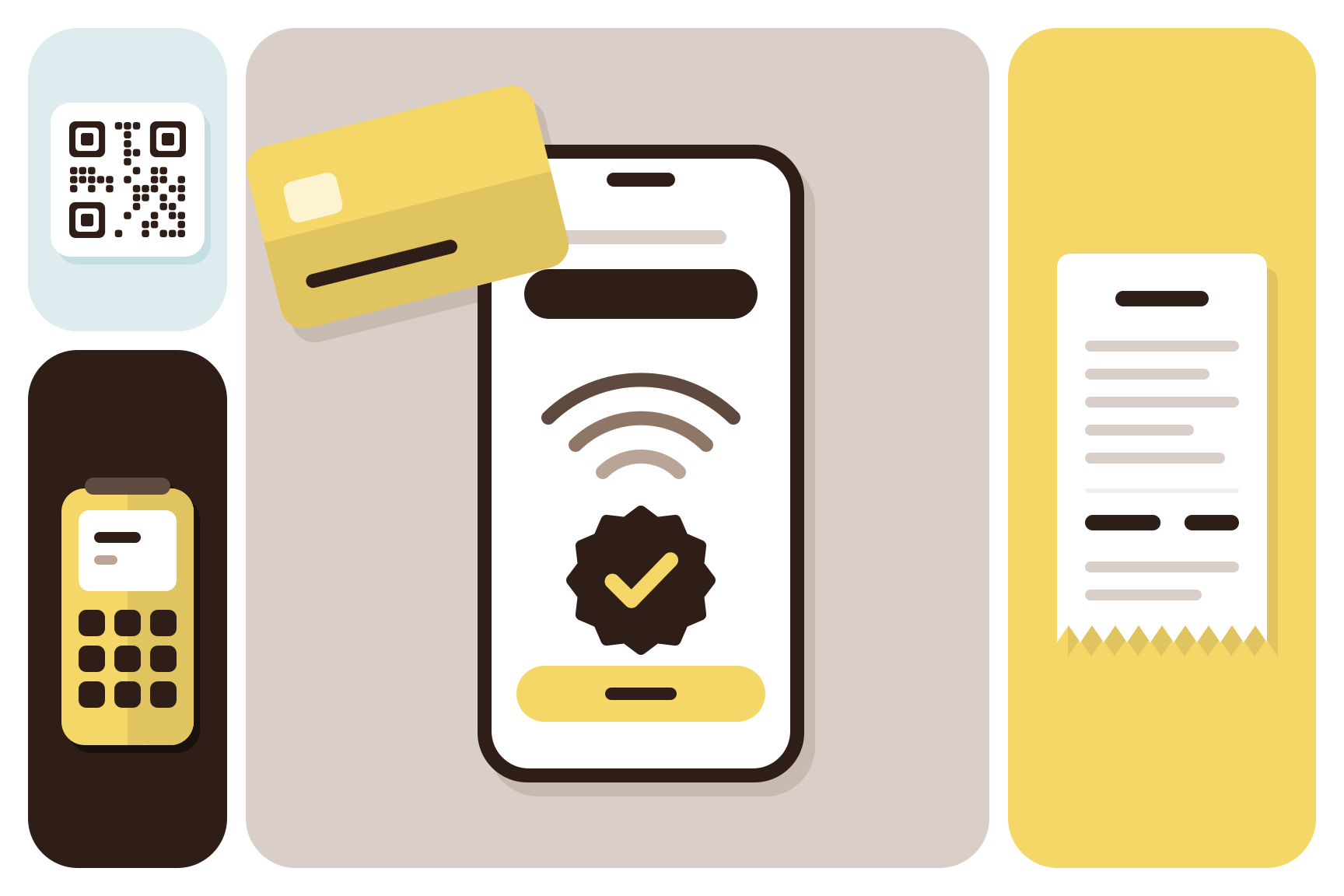
Booklaa has its own SoftPOS app for Android, linked to your bookings. Below is how SoftPOS works, what you need, and when a card terminal or a QR code suits your counter better.
What SoftPOS means
The name is short for software point of sale. Older card machines are a box with a card reader inside. With SoftPOS, the reader is the NFC chip that most Android phones already have, the same chip that lets the phone pay at a gantry or a shop.
You'll also see it called tap to pay on Android, or tap on phone. Those all mean the same thing: the customer taps, and your phone takes the payment.
It takes contactless payments only. A card that has to be inserted or swiped needs a terminal.
How a tap to pay payment works
From the counter, it looks like this:
- You key in the amount, or open the booking or order you're charging for.
- The customer holds a card or phone near the back of your phone.
- The app sends the payment, encrypted, to the payment provider, and the customer's bank approves or declines it.
- Your screen shows the result, and you give the customer a receipt.
For larger amounts, the card may ask for a PIN. The security standard for SoftPOS, PCI Mobile Payments on COTS, lets the customer type a PIN on the same phone that read the card. Where that line sits is set by the card networks and banks, so it isn't the same for every card.
Is SoftPOS safe?
Yes, when the app is built to that standard. COTS means commercial off-the-shelf, so ordinary phones. The standard sets out how the app must protect card details on a device that was never built as a card machine. The card details go to the payment provider, and your screen shows the result and a reference, not the card number.
On your side, keep the phone up to date and lock it with a PIN of its own. Don't use a rooted phone: many SoftPOS apps refuse to run on one.
SoftPOS, a card terminal or a QR code
There's more than one way to take payment at the counter, and many businesses use two.
| SoftPOS on your phone | Countertop card terminal | PayNow QR code | |
|---|---|---|---|
| What you need | An Android phone with NFC | The terminal | A printed or on-screen QR code |
| How the customer pays | Taps a card or phone | Taps, inserts or swipes a card, or scans a QR code | Scans with a banking app |
| Takes cards that aren't contactless | No | Yes | No |
| Moves around with you | Yes | Depends on the model | Yes, if it's on a screen |
| Suits | Salons, mobile services, pop-ups, a second till | A busy counter, a restaurant | Customers who prefer to pay from their bank |
SoftPOS suits a business that takes payments in more than one spot. A therapist finishing a home visit, a stylist at the chair, or a café with a queue out of the door can all take payment where the customer is. A terminal still makes sense where many cards pass through one counter all day, or when you get customers whose cards aren't contactless.
Can you accept credit card payments without a machine?
Yes. That is what SoftPOS is for. The other way is a QR code the customer scans to pay from a banking app, or a payment link they open on their own phone. Neither needs anything at your counter beyond a phone or a printed code.
What you need to start
- An Android phone with NFC. You'll find NFC in the phone's settings. Most SoftPOS apps also want a recent Android version and Google Play services.
- A payment provider that supports SoftPOS. It checks your business before you can take card payments, as it would for any card machine.
- A business bank account for your payouts.
- An internet connection when you take each payment, by Wi-Fi or mobile data.
What it costs depends on the provider: usually a fee on each payment, sometimes a monthly charge, and no terminal to buy or rent. Ask for the fee on cards from abroad as well as local ones, and how soon the money reaches your bank.
How Booklaa takes payments at the counter
Booklaa's app for the counter is Booklaa SoftPOS, for Android phones, for businesses in Singapore. It gives you three ways to take card and PayNow payments in person:
- Tap to Pay on your phone, where customers tap a card or phone on your Android phone and you need no extra hardware.
- A countertop card terminal, linked to the app, for cards and QR payments.
- A PayNow QR code with a speaker that announces each payment as it arrives.
You choose the one you want when you send your business details for verification. Booklaa checks your business name, registration number and address, your payout account, and who owns and runs the business, with a photo ID. Once approved, Booklaa sets up your device. You can ask to switch to another later.
With Tap to Pay, you set up each phone once, by entering the activation code from your payment provider's merchant portal. From then on you open the app, key in an amount or open a booking, and the customer taps. You can also show a QR code that the customer scans to pay by card or PayNow on their own phone.
Payments are tied to your bookings. Charge a booking from the app and its total is filled in for you. Cash goes on the same list, so the day's takings are in one place. Every in-person payment shows under Payments on the Booklaa website, newest first. After each one, the app shows a receipt you can save or send to the customer from the phone.
If the connection drops in the middle of a payment, the app keeps the result and asks you to save it again once you're back online. It never charges the customer twice. When a payment fails and you think the customer may have been charged, the app tells you to check the payment history before trying again.
Bookings work without any of this. Customers can always pay at your venue in the way you choose. Card and PayNow at the counter are added when you're ready. You can also take payment online when a customer books: see what to look for in an online booking system.
Before you switch on tap to pay
- Put a small sign at the counter saying you take card taps on your phone, so customers don't hunt for a terminal.
- Charge the phone. A counter phone at 5 per cent on a Saturday is a lost sale.
- Decide which staff phones take payments, and set each one up before the busy day.
- Do one small test payment with your own card.
- Keep another way to pay for the customer whose card isn't contactless.
To take bookings and payments in one place, list your business on Booklaa.
Questions
What is SoftPOS?
SoftPOS is an app that turns an Android phone with NFC into a card machine. Customers tap a contactless card or a phone on yours, and the payment goes through without a separate terminal. It is also called tap to pay on Android.
Is SoftPOS safe for my customers?
Yes, when the app meets the PCI security standard for payments on ordinary phones. The card details go to the payment provider, and the business sees the result, not the card number. Keep the phone updated and locked, and don't use a rooted phone.
Can I take credit card payments without a card machine?
Yes. A SoftPOS app takes contactless cards on your phone, and a QR code or payment link lets customers pay from their own phone. Cards that must be inserted or swiped still need a terminal.
Does SoftPOS work on an iPhone?
SoftPOS apps such as Booklaa's run on Android phones with NFC. iPhones have a tap to pay feature of their own, offered through other payment apps. If your counter phone is an iPhone, a low-cost Android phone kept at the till is a common answer.
How much does SoftPOS cost?
It depends on the payment provider. Most charge a fee on each payment, some add a monthly fee, and there's no terminal to buy. Ask about fees for foreign cards and how quickly payouts reach your bank.
Does SoftPOS need the internet?
Yes. The phone has to be online to send each payment for approval, over Wi-Fi or mobile data. If the connection drops mid-payment, check the result in the app before you try again.
Published